Why Everyday Electronics Need Regular Maintenance
Everyday electronics have become deeply integrated into daily routines, serving as communication hubs, fitness trackers, and productivity tools. Because these devices accompany us almost everywhere, they are constantly exposed to environmental factors that can degrade performance over time. Dust, moisture, oils from skin, and temperature fluctuations all take a toll on internal components and exterior surfaces. Establishing a regular maintenance routine helps preserve both functionality and appearance, delaying the need for replacement.
Many consumers approach electronics as disposable items, replacing them at the first sign of wear or slowed performance. With proper care, however, a well-maintained device can serve reliably well beyond its expected upgrade cycle. Maintenance is not just about cleanliness; it encompasses charging habits, software management, physical protection, and storage conditions. A holistic approach addresses all of these factors to maximize longevity.
Understanding the specific vulnerabilities of each device category is essential. A smartwatch faces different environmental challenges than a smartphone, and maintenance routines should reflect those differences. Tailoring your approach to each device ensures that your efforts are effective rather than generic.
Battery Care: Habits That Extend Lifespan
Battery degradation is one of the most common reasons consumers replace electronics, yet it is also one of the most preventable issues. Lithium-ion batteries, which power most modern devices, respond poorly to extreme charging habits. Allowing a battery to drain completely before recharging, or consistently charging to absolute capacity, places unnecessary stress on the cells. A practical approach involves partial charging cycles, keeping the battery level within a moderate range during typical daily use.
Temperature plays a significant role in battery health. Charging a device in direct sunlight or leaving it in a hot vehicle accelerates chemical degradation within the battery. Similarly, using a device while it is charging can generate excess heat, compounding the issue. Whenever possible, charge electronics in a cool, ventilated area and remove cases that trap heat during the charging process.
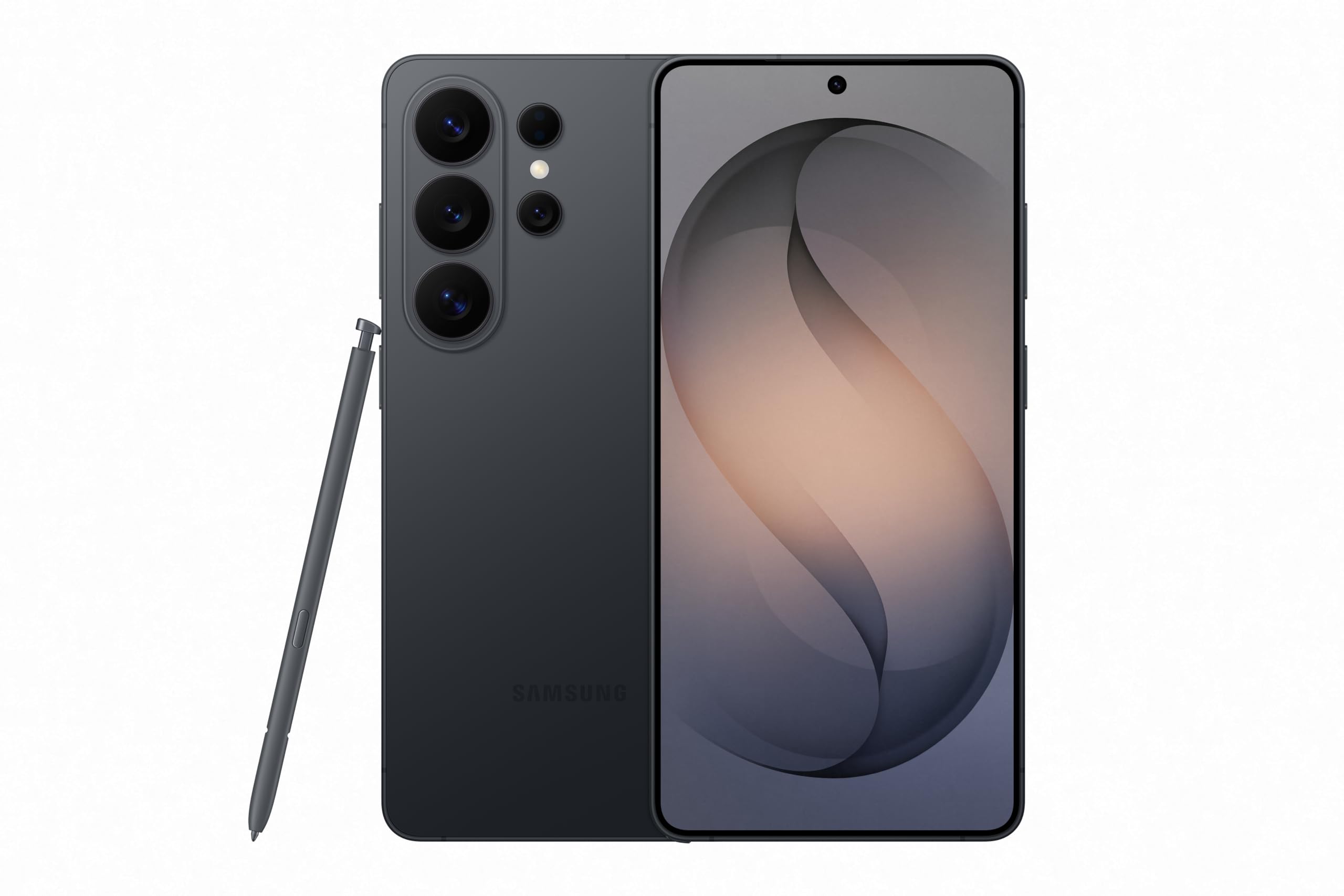
Using the correct charging accessories is equally important. Third-party cables and adapters vary widely in quality, and poorly constructed chargers can deliver inconsistent current that stresses battery management circuitry. Sticking with manufacturer-provided or certified charging equipment ensures that the device receives appropriate power delivery. When evaluating a device like the Samsung Galaxy S26 Ultra, consider how its charging requirements align with the accessories you already own to avoid mismatched equipment.
Cleaning and Physical Maintenance
Physical cleaning is often overlooked despite its impact on both hygiene and device longevity. Touchscreens accumulate oils, bacteria, and debris that can degrade oleophobic coatings over time. Cleaning with abrasive materials or harsh chemicals compounds the damage. A microfiber cloth lightly dampened with water is sufficient for routine screen cleaning. For stubborn residue, a screen-safe cleaning solution applied to the cloth, never directly to the device, is appropriate.
Ports and openings require careful attention. Charging ports and speaker grills collect pocket lint, dust, and debris that can interfere with connections and audio quality. A wooden toothpick or a soft brush can gently dislodge buildup without risking damage to internal contacts. Avoid using metal objects, which can short-circuit pins or scratch protective coatings. Compressed air can be useful but should be used in short bursts to avoid driving debris deeper into the device.
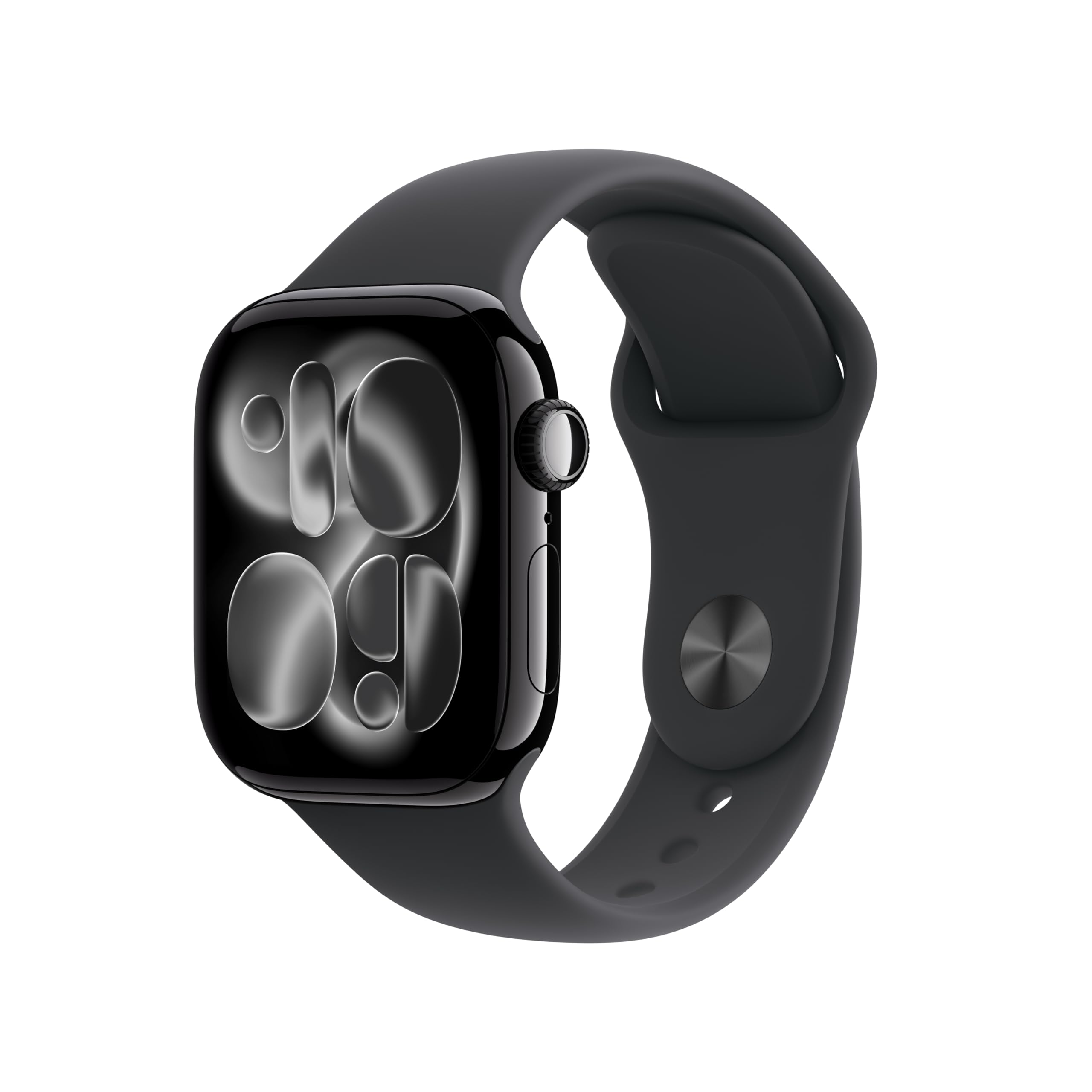
Wearable devices present unique cleaning challenges because they are in constant contact with skin. The Apple Watch Series 11, for example, is worn during exercise, sleep, and daily activities, meaning the band and sensor surfaces require regular attention. Rinse the band with fresh water after exposure to sweat, sunscreen, or soap residue. Dry the device thoroughly before reattaching bands or placing it on a charger. Sensor surfaces on the back of the device should be wiped with a soft cloth to maintain accurate readings.
Software Management and Performance Preservation
Software plays a critical role in how long a device remains usable. Operating system updates often include performance optimizations and security patches that keep devices running smoothly. Delaying updates indefinitely can leave a device vulnerable to security threats and prevent it from benefiting from efficiency improvements. However, installing updates on older devices without checking for compatibility issues can occasionally introduce performance problems. A balanced approach involves installing updates within a reasonable window after release, after verifying that other users have not reported significant issues.
Storage management directly affects performance. Devices with nearly full storage tend to slow down because the operating system has limited space for temporary files and background processes. Regularly reviewing installed applications, deleting unused files, and offloading photos to cloud or local storage keeps the device responsive. This is particularly relevant for smartphones with substantial storage capacity, such as the Samsung Galaxy S26 Ultra, where accumulated data can quietly consume available space over time.
Background activity is another factor to monitor. Applications that run continuously in the background consume processing resources and battery life even when not actively in use. Reviewing background refresh settings and restricting unnecessary permissions can noticeably improve daily performance. Restarting the device periodically clears temporary caches and resolves minor software glitches that accumulate over extended use periods.
Storage and Environmental Protection
When electronics are not in use, proper storage prevents accidental damage and environmental degradation. Temperature and humidity are the primary environmental threats. Storing devices in damp basements, hot attics, or vehicles exposes them to conditions that can corrode internal components, degrade adhesives, and shorten battery life. A dry, climate-stable indoor location is ideal for long-term storage.
Physical protection during daily use is equally important. Cases and screen protectors absorb impact energy and prevent scratches that compromise structural integrity. While no accessory guarantees protection against all damage, a quality case significantly reduces the likelihood of screen cracks and dents from routine drops. For wearable devices, ensuring the band is securely fastened prevents loss during activity.
If you plan to store a device for an extended period, charge the battery to a moderate level before powering it off. Storing a fully discharged battery can cause it to enter a deep discharge state that may prevent it from holding a charge later. Check on stored devices every few months, powering them on briefly to verify functionality and top off the battery if needed.
Common Mistakes That Shorten Device Lifespan
Several common habits contribute to premature device failure. Using unauthorized repair services or attempting complex repairs without proper tools can cause internal damage that exceeds the original problem. While independent repair is a valid option, selecting a reputable service provider with experience in the specific device category is essential.
Ignoring early warning signs is another frequent mistake. Unusual heating, rapid battery drain, or intermittent connectivity issues often indicate underlying problems that worsen over time. Addressing these symptoms early, whether through troubleshooting, professional diagnosis, or warranty service, prevents minor issues from escalating into complete failures.
Finally, neglecting physical protection because a device seems durable is a consistent source of avoidable damage. Even devices with robust construction materials benefit from protective accessories. The cost of a quality case and screen protector is minimal compared to the cost of repairing or replacing a damaged device.
Evaluating Maintenance Needs Before You Buy
Before purchasing a new device, consider the maintenance requirements it will impose. Devices with complex cleaning needs, specialized charging requirements, or fragile construction demand more ongoing attention. Researching these factors during the evaluation phase helps set realistic expectations and prevents frustration after purchase.
Ask yourself whether the device fits your typical environment. If you work outdoors or exercise frequently, a device with water resistance and durable construction will require less intensive protective maintenance. If you primarily use devices in controlled indoor environments, durability features may be less critical, and you can focus your attention on software and battery maintenance.
Verify current specifications and accessory compatibility with the retailer before finalizing a purchase. Understanding what is included in the box, what warranty coverage applies, and what additional accessories are necessary helps you budget accurately and avoid unexpected expenses. A well-informed purchase decision sets the foundation for a maintenance routine that keeps the device performing reliably for years.
Frequently asked questions
How often should I clean my everyday electronics?
Wipe touchscreens with a microfiber cloth every few days to remove oils and debris. Deep cleaning, including port inspection and band washing for wearables, should be done weekly or after exposure to sweat, dust, or moisture. Devices used in harsher environments may require more frequent attention.
Is it harmful to leave my device charging overnight?
Modern devices have battery management systems that prevent overcharging, but keeping a device at full charge for extended periods can contribute to long-term battery wear. If possible, charge your device to full capacity shortly before use rather than leaving it plugged in for many hours.
Can I use any charger with my device?
Using manufacturer-provided or certified charging accessories is strongly recommended. Poorly constructed third-party chargers can deliver inconsistent power that stresses battery circuitry. If you use third-party accessories, verify that they carry reputable certification for safety and compatibility.
What should I do if my device starts overheating?
Stop using the device immediately and remove any case that may be trapping heat. Move it to a cool, ventilated area away from direct sunlight. If overheating occurs regularly during normal use, it may indicate a hardware issue that requires professional diagnosis or warranty service.
How do I maintain a device I plan to store long-term?
Charge the battery to a moderate level, power the device off completely, and store it in a dry, temperature-stable location. Avoid damp basements or hot vehicles. Check the device every few months, powering it on briefly to verify functionality and top off the charge if needed.