Why Spring Is a Natural Time to Reassess Your Electronics
Spring brings longer days, more time outdoors, and a shift in daily routines. If you have been putting off an electronics upgrade, this season is a practical moment to take stock of what is working and what is not. The key is to approach the process with a clear sense of your actual needs rather than reacting to marketing cycles or peer pressure.
Start by auditing your current devices. Which ones are slowing you down, causing frustration, or no longer fitting your lifestyle? Maybe your phone battery is unreliable during long days away from home, or your wearable is not tracking the activities you care about now that you are spending more time outside. Identifying specific pain points gives you a framework for evaluating replacements instead of browsing aimlessly.
Keep in mind that newer does not automatically mean better for your situation. A device that excels for one person may be overkill or underwhelming for another. The goal is to match features to your real-world habits, not to accumulate specifications you will never use.
Evaluating Wearables: Fitness, Connectivity, and Daily Utility
Wearables have become central to how many people track activity, manage notifications, and stay connected without constantly reaching for their phone. Spring is an especially relevant season to think about a wearable because outdoor activity tends to increase, and you may want a device that keeps up with walking, running, cycling, or casual sports.
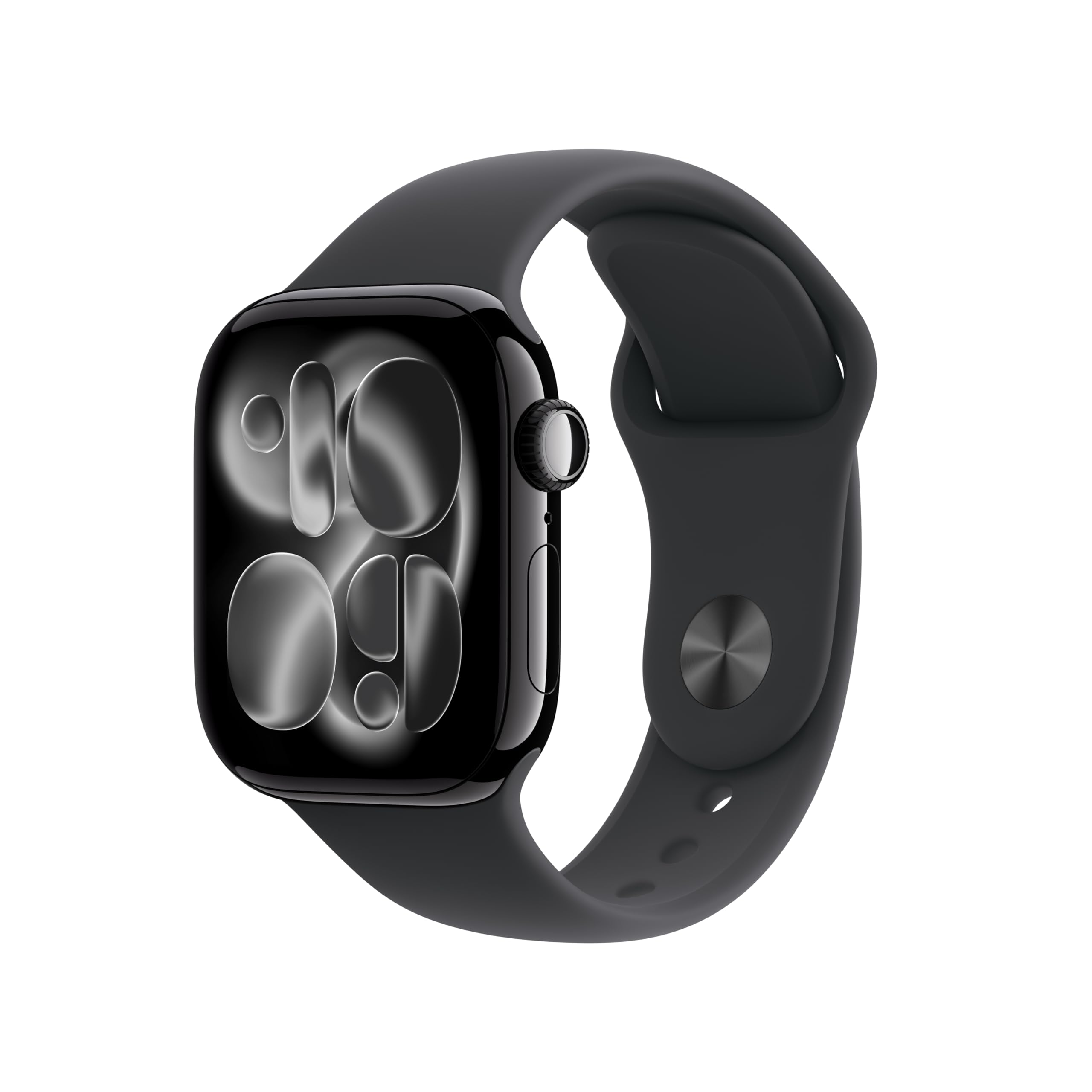
When evaluating a wearable like the Apple Watch Series 11 GPS, think about how it integrates with your existing ecosystem. If you already use a phone from the same manufacturer, a matching wearable often provides smoother setup, shared health data, and unified notifications. Consider whether you want built-in GPS for tracking outdoor routes independently of your phone, and whether the available sport and health tracking modes align with activities you actually do.
Also weigh comfort and everyday wearability. A device you find uncomfortable will sit in a drawer regardless of its capabilities. Band material, weight, and screen visibility in bright spring sunlight all matter. Think about whether you want a device that leans more toward fitness tracking, general smart features, or a balance of both. There is no universally correct answer, only the answer that fits your wrist and your routine.
Choosing a Smartphone That Fits Your Life
A smartphone is likely the single most-used piece of electronics in your daily life, so upgrading deserves careful thought. Spring often means more travel, more outdoor photography, and more time navigating unfamiliar places, all of which can factor into what you need from a phone.
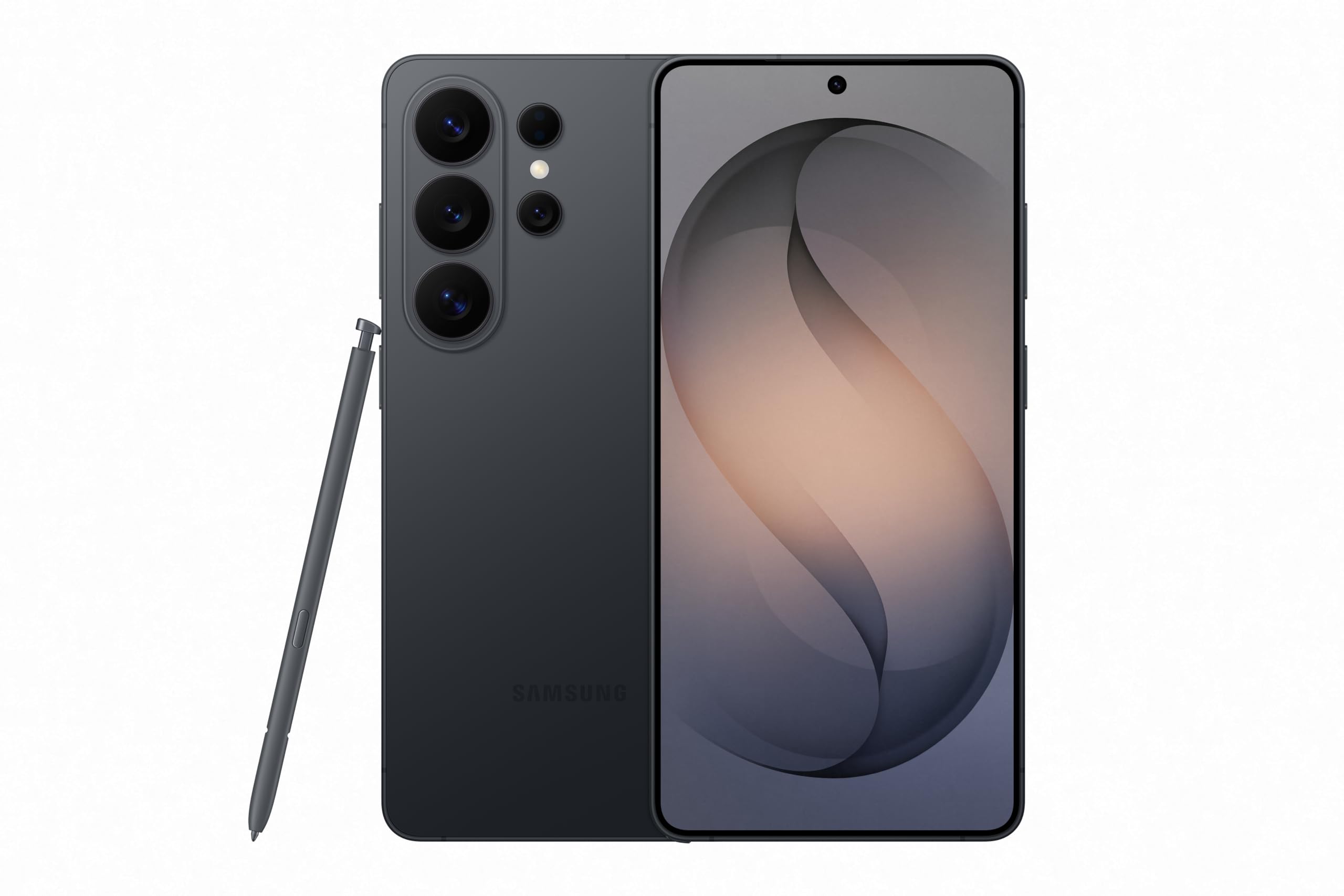
When considering a device like the Samsung Galaxy S26 Ultra, ask yourself what you actually do with your phone on a typical day. If you take a lot of photos, prioritize camera quality and processing features. If you work from your phone or consume media heavily, screen quality and storage capacity become more relevant. If you are frequently away from chargers, battery behavior under real-world conditions should be a top concern. The flagship devices often cover all of these areas well, but you should confirm whether the specific strengths of a given model align with your priorities.
Ecosystem lock-in is another consideration. Switching brands can mean relearning interfaces, repurchasing apps, and losing access to services tied to your current platform. That does not mean you should never switch, but you should factor the transition cost into your decision rather than discovering it after the fact.
Common Mistakes When Upgrading Everyday Electronics
One of the most frequent mistakes is buying based on hype rather than need. A device generating buzz may have features that sound impressive but have little bearing on your daily use. Before committing, write down the top three things you want the new device to do better than your current one. If a candidate does not clearly improve on those three things, it may not be worth the switch.
Another common error is underestimating the importance of software and long-term support. A device with strong hardware but poor software support will become frustrating over time. Look into how long the manufacturer typically provides operating system updates and security patches. This information is usually available on the manufacturer's website or through reputable technology publications.
A third mistake is ignoring accessories and ancillary costs. Cases, chargers, bands, and protective films can add up. If you are switching ecosystems, you may also need new cables or adapters. Factor these into your overall plan so you are not caught off guard. Finally, always verify current specifications, warranty terms, and return policies with the retailer before purchasing, as details can change and you want accurate, up-to-date information at the point of sale.
Matching Devices to Your Spring Routine
Think about what your average spring week looks like. Are you commuting more, exercising outdoors, traveling on weekends, or working from different locations? Each scenario places different demands on your electronics. A commuter may prioritize a phone with reliable navigation and a wearable that handles notifications discreetly. Someone focused on outdoor fitness may care more about activity tracking accuracy and durability.
If you are considering both a phone and a wearable upgrade, think about how the two devices interact. A well-paired combination can streamline your day, with notifications, health data, and communication flowing smoothly between devices. Mismatched ecosystems can still work, but you may encounter friction in areas like messaging continuity, health data syncing, or hands-free calling.
Also consider whether your needs change seasonally. If you only care about advanced fitness tracking during spring and summer, a highly specialized wearable may sit unused for half the year. In that case, a more general-purpose device with solid but not extreme fitness features may serve you better across all twelve months.
Practical Questions to Ask Before You Buy
Before making any electronics purchase, run through a short checklist. What specific problem am I trying to solve? Does this device solve it meaningfully better than what I have now? How long do I expect to keep this device, and will it remain supported for that duration? What is the return policy if it does not work out?
Ask yourself about compatibility with what you already own. A new phone should work with your current carrier, your preferred apps, and any accessories you rely on. A new wearable should pair cleanly with your phone and support the health or notification features you care about. If you are unsure about compatibility, check the manufacturer's compatibility pages or contact their support team.
Finally, think about timing and patience. Electronics are updated regularly, and there is rarely a single perfect moment to buy. However, understanding your own needs and verifying current details with the retailer puts you in a position to make a confident decision whenever you choose to act. Avoid rushing, and let your actual usage patterns guide you rather than external pressure.
Frequently asked questions
How do I know if I actually need to upgrade my phone or wearable?
Look for concrete signs: battery life that no longer lasts through your day, software that is no longer receiving updates, performance that noticeably slows you down, or missing features that would genuinely improve your routine. If your current device still handles your daily tasks without frustration, an upgrade may not be necessary.
Should I stick with the same brand ecosystem when upgrading?
Staying within the same ecosystem usually means smoother integration, shared services, and less relearning. However, switching can be worthwhile if another brand better matches your needs. Weigh the transition costs, including app repurchases and interface relearning, against the benefits you expect to gain.
What matters more for a spring wearable: fitness features or smart features?
It depends on your routine. If spring means regular outdoor exercise, prioritize accurate activity tracking, GPS, and durability. If you want a device for notifications, payments, and general convenience, smart features may matter more. Many modern wearables offer a balance of both, so identify which side leans heavier in your daily life.
How can I avoid overspending on electronics I do not fully use?
Identify your top three must-have improvements before browsing. Compare candidates against those specific needs and ignore features that sound impressive but do not map to your habits. Reading hands-on reviews from users with similar routines can also help you gauge real-world relevance.
What should I verify with the retailer before purchasing?
Confirm current specifications, warranty coverage, return window, and compatibility with your existing devices and services. Details can change over time, so rely on the retailer's published information at the time of purchase rather than older summaries you may have read elsewhere.