Featured product
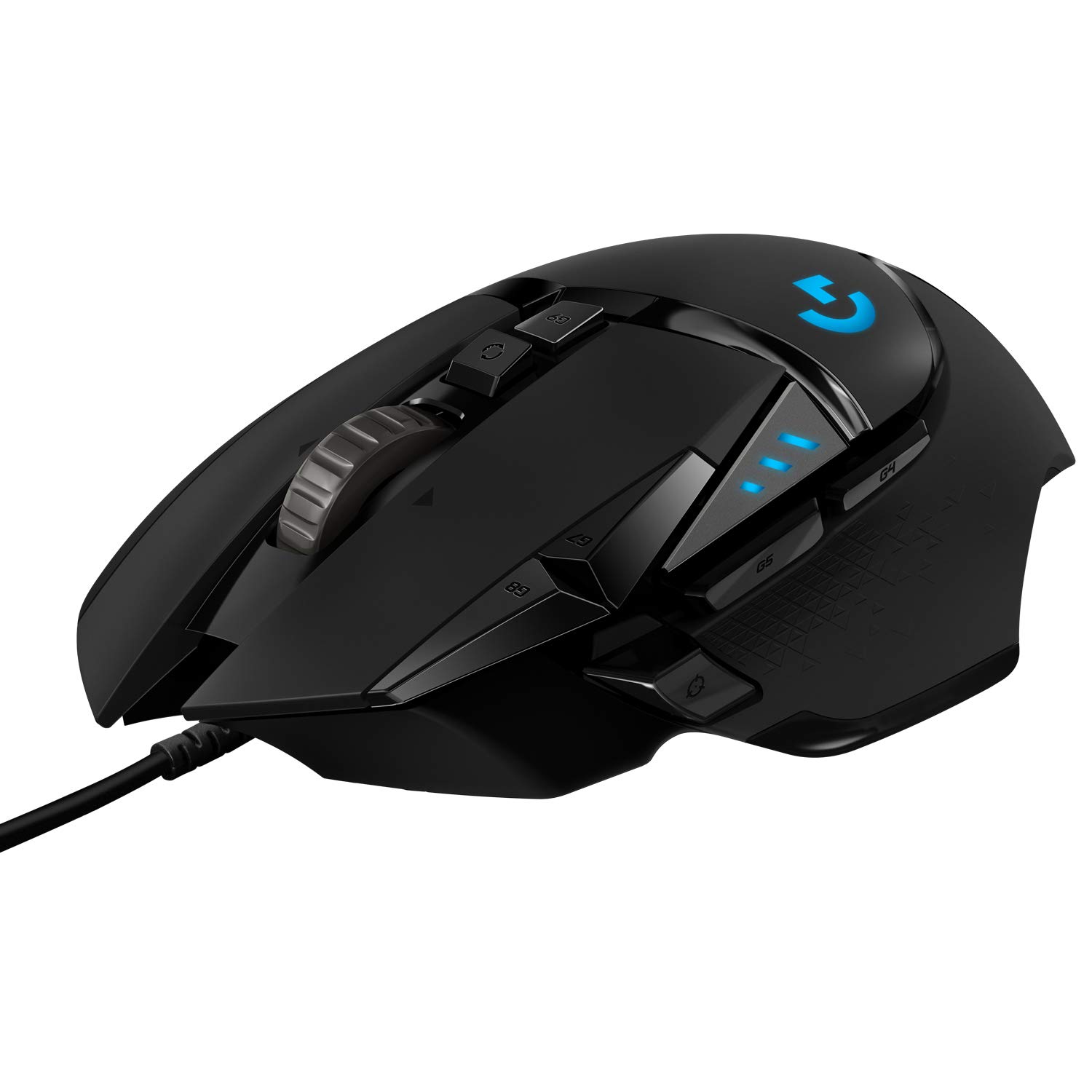
Logitech G Pro Wireless Gaming Mouse
by Logitech
See current price & options at AmazonThis link opens live Amazon search results for this product, so the price and availability you see are always current. We do not list prices here.
Why it has stayed popular
The Logitech G Pro Wireless Gaming Mouse has earned lasting popularity by combining a lightweight, ambidextrous design with Logitech's HERO sensor and Lightspeed wireless technology, delivering wired-level performance without the cable drag. Endorsed and co-developed with esports professionals, it became a benchmark for competitive wireless mice and remains a go-to choice years after launch.
Who It Fits
The Logitech G Pro Wireless Gaming Mouse is built for competitive and serious gamers who prioritize responsiveness, consistency, and a clean wireless setup. Its ambidextrous shell suits both left- and right-handed users, though the side buttons are only on the left by default. The lightweight body and balanced weight distribution make it well-suited to fast-paced shooters, MOBAs, and anything demanding quick flicks and tracking. Players who have tried heavier mice and found them fatiguing during long sessions often gravitate toward this kind of design. It also appeals to users who want a clean desk without cable management hassles but refuse to compromise on input latency. If you play a mix of competitive and casual titles and value reliability over gimmicks, this mouse aligns well with that mindset. It is less ideal for users who want extensive RGB lighting, adjustable weights, or a very large ergonomic body. The shape is versatile but not universally perfect, so grip style and hand size matter.
What to Weigh Before Buying
Before committing to the Logitech G Pro Wireless Gaming Mouse, consider how it fits your hand and grip style. The shape is relatively safe and ambidextrous, but users with very large hands or a strong palm grip may find it slightly low-profile. Weight is a major selling point, and while many appreciate the light feel, some users coming from heavier mice may need an adjustment period. Battery life is solid for typical use, but heavy continuous gaming with RGB lighting enabled will drain it faster, so charging habits matter. The mouse uses Omron-style mechanical switches, which are durable but can develop the occasional double-click issue over time, something long-term owners have reported. The wireless receiver is excellent, but it requires a free USB port, and the extension cable is useful for optimal placement. Software customization through Logitech G HUB is available, though some find the application experience inconsistent. Finally, the price sits in the premium tier, so shoppers should weigh whether wireless freedom and esports-grade performance justify the investment for their play habits.
Alternatives to Consider
If the Logitech G Pro Wireless Gaming Mouse does not feel like the right fit, several established alternatives deserve attention. The Razer Viper Ultimate offers a similar lightweight wireless competitive design with Razer's optical switches, which some users prefer for their durability and crisp click feel. The SteelSeries Aerox 3 Wireless provides a lightweight option with a distinctive honeycomb shell, though that design can be a dust concern for some. For those who prefer Logitech's ecosystem but want a different shape, the Logitech G305 Lightspeed is a more budget-friendly wireless option with a smaller, simpler body that suits claw and fingertip grippers. Wired alternatives like the Endgame Gear XM1 or Glorious Model O remain popular for users who do not want to manage charging at all. Each alternative trades off something, whether battery life, shape, switch feel, or software experience, so it helps to identify which factors matter most before deciding. Trying mice in person when possible remains the best way to confirm comfort.
Frequently asked questions
Is the Logitech G Pro Wireless Gaming Mouse good for large hands?
It can work for large hands, especially with a claw or fingertip grip, but the body is relatively low-profile and compact. Users with very large hands who prefer a full palm grip may find it slightly small and could benefit from trying it before buying or considering a larger alternative.
Does the wireless connection have noticeable lag?
Logitech's Lightspeed wireless technology is designed to deliver performance comparable to a wired connection. Most users, including competitive players, report no perceptible lag during gameplay. Proper placement of the USB receiver helps maintain a stable and responsive signal.
Can the side buttons be used on both sides?
The mouse has side buttons on the left side by default, and the shell supports an optional right-side button set that can be swapped in. This makes it genuinely ambidextrous in design, though left-handed users will want to confirm the button configuration suits their needs.