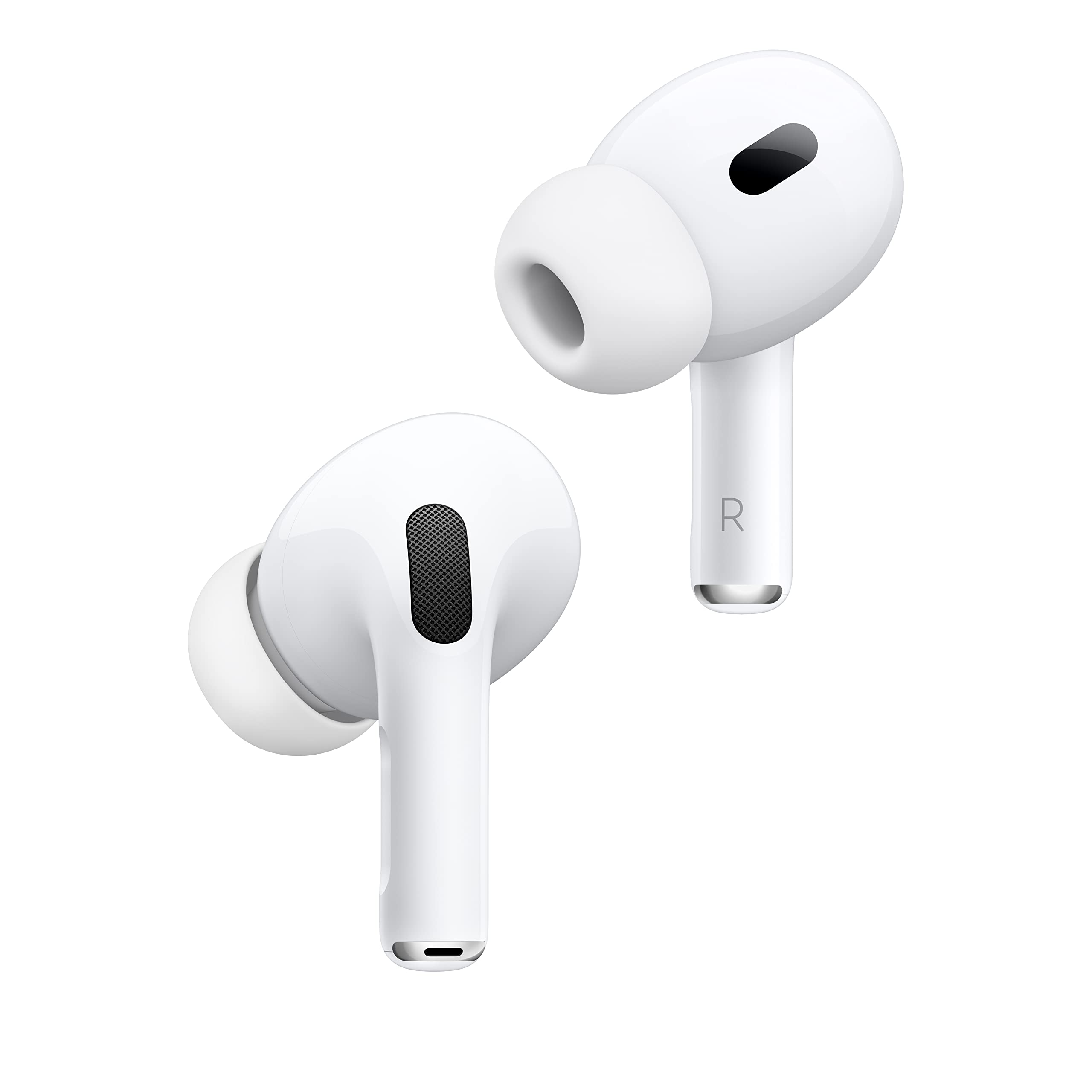
Featured product
Apple iPad
by Apple
See current price & options at AmazonThis link opens live Amazon search results for this product, so the price and availability you see are always current. We do not list prices here.
Why it has stayed popular
The iPad has remained the benchmark for consumer tablets thanks to its intuitive interface, broad app ecosystem, and consistent build quality. Over multiple generations it has attracted casual users, students, and professionals who want a dependable device for reading, streaming, browsing, and light creative work.
Who It Fits
The iPad suits people who want a portable screen that sits comfortably between a phone and a laptop. Casual users enjoy it for video streaming, web browsing, reading, and casual games, while students often rely on it for note-taking and textbook access with an optional stylus. Travelers appreciate the lightweight design for entertainment on the go, and families frequently share one for children's apps and video calls. It also appeals to light creatives who sketch or edit photos without needing a full desktop workflow. If your daily tasks involve a lot of typing-heavy document creation, complex spreadsheets, or specialized desktop software, a laptop may still serve you better. But for media consumption, communication, and touch-first apps, the iPad's balance of simplicity, battery life, and app selection makes it a practical choice that many households keep within arm's reach on the couch or bedside table.
What to Weigh Before Buying
Consider how you plan to use the iPad day to day. If you mostly watch videos and browse, a standard model is plenty; if you draw or edit photos seriously, a model with Apple Pencil support and a more capable processor may be worth the extra cost. Storage is another factor, since apps, downloaded films, and large photo libraries fill space quickly and the iPad has no expandable memory. Think about connectivity too: Wi-Fi-only models work fine at home, while cellular versions add freedom for travel but raise ongoing data costs. Accessories can quietly increase your total spend, including a keyboard case, stylus, or protective cover. The locked-down operating system is simple and secure, but it limits multitasking and file management compared with a computer. Finally, if you already own a recent laptop and phone, ask whether a tablet fills a genuine gap or simply duplicates what those devices already do well.
Alternatives to Consider
If the iPad feels too restrictive, several alternatives are worth exploring. Samsung's Galaxy Tab line offers Android flexibility, expandable storage on some models, and stylus support included on premium versions, appealing to users who prefer Google's ecosystem. Amazon's Fire tablets cost far less and work well for basic streaming and browsing, though their app selection is narrower and they lean heavily toward Amazon services. For those who want a tablet that doubles as a laptop, Microsoft's Surface devices run full Windows software and suit productivity-focused users willing to accept shorter battery life and a more complex interface. Chromebook tablets offer another middle ground with simple cloud-based workflows. Each option trades some of the iPad's polish and app quality for different strengths, so the right pick depends on whether you prioritize price, ecosystem, productivity software, or expandability. Comparing these side by side with your typical tasks in mind helps clarify which device genuinely earns its place.
Frequently asked questions
Can the iPad replace a laptop?
For many everyday tasks like browsing, email, streaming, and note-taking, the iPad works well as a primary device. However, complex spreadsheets, specialized desktop software, and heavy multitasking may still call for a laptop. Adding a keyboard case helps, but the operating system remains more limited than macOS or Windows.
Do I need cellular service on my iPad?
Only if you need internet away from Wi-Fi frequently. Cellular models let you add a data plan for travel or commuting, but they cost more upfront and require ongoing carrier fees. If you mostly use the iPad at home, work, or places with Wi-Fi, a Wi-Fi-only model is usually sufficient.
Is an Apple Pencil necessary?
No, it is optional. The Pencil is valuable for drawing, handwriting notes, marking up documents, and precise editing. If your use is mainly media consumption and casual browsing, you can skip it. Students and artists tend to find it more worthwhile than general users.