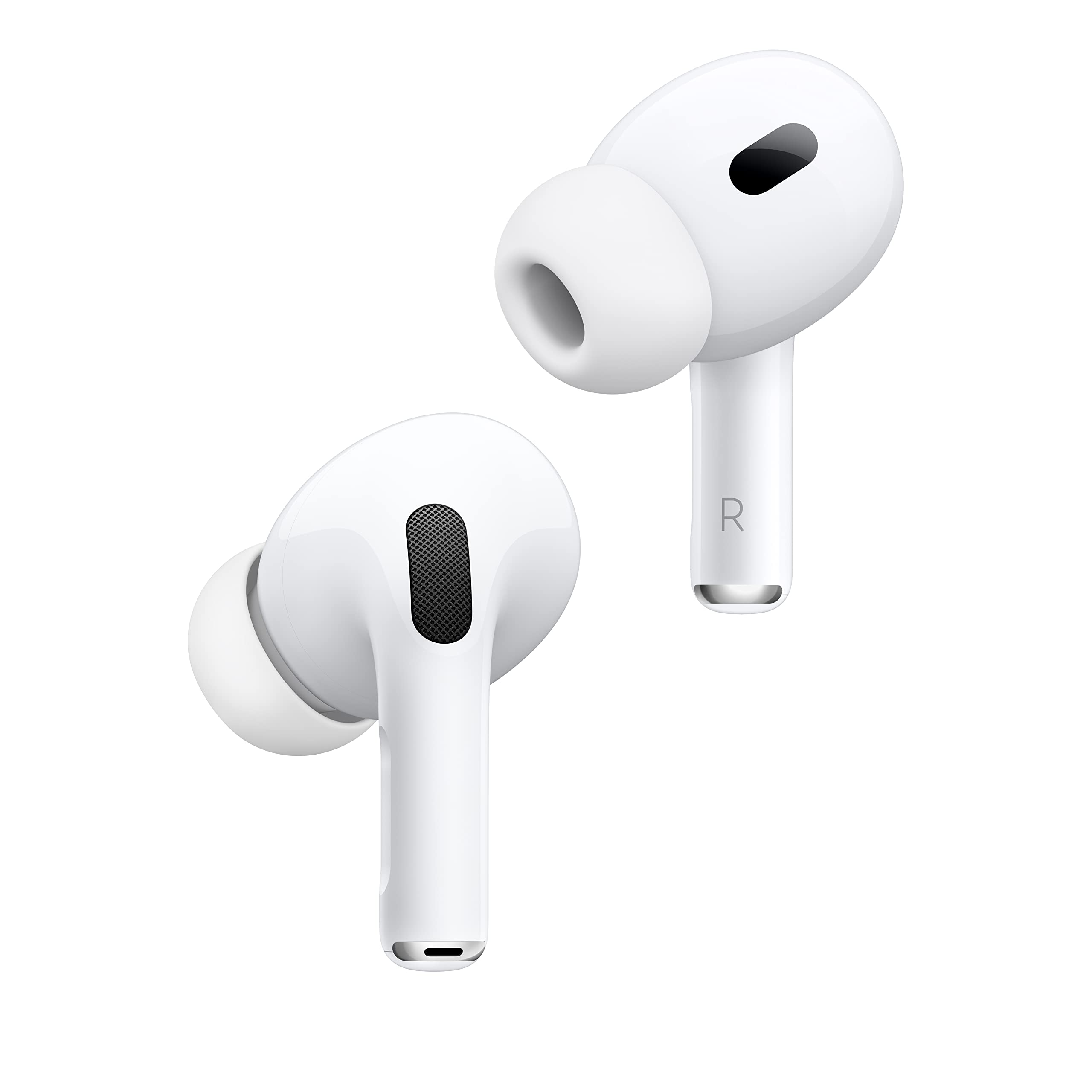
Featured product
Kindle Paperwhite E-Reader
by Amazon
See current price & options at AmazonThis link opens live Amazon search results for this product, so the price and availability you see are always current. We do not list prices here.
Why it has stayed popular
The Kindle Paperwhite has been a staple e-reader for years because it nails the fundamentals: a glare-free screen that reads comfortably in direct sunlight, a slim waterproof body, and a battery that lasts for weeks rather than hours. Readers trust it because it fades into the background and simply lets them enjoy books. Its steady refinement over successive generations has kept it the default choice for casual and devoted readers alike.
Who It Fits
The Paperwhite is ideal for anyone who reads regularly and wants a device dedicated to that single purpose. Commuters appreciate its pocket-friendly size compared to a hardcover, and travelers love carrying an entire library in something lighter than a paperback. Beach and bath readers benefit from the waterproof design, while night owls appreciate the adjustable front light that keeps pages readable in the dark without the harsh glow of a phone or tablet. It also suits people trying to reduce screen time, since the e-ink display lacks the buzzing notifications and infinite scroll of a smartphone. If you buy e-books frequently or borrow through a library app, the integration is seamless. On the other hand, someone who reads only a few books a year might be satisfied with a reading app on hardware they already own. And those who want full-color comics, magazines, or textbook diagrams should look elsewhere, since e-ink renders only shades of gray. For everyone else, the Paperwhite hits a sweet spot of size, readability, and simplicity that has made it the go-to e-reader for over a decade.
What to Weigh Before Buying
The biggest trade-off is the closed ecosystem. The Paperwhite reads books purchased from Amazon comfortably, but sideloading e-books from other stores requires extra steps and some formats need conversion. If you prefer buying from independent ebook retailers or borrowing from multiple library systems, factor that friction in. Storage is another consideration: the base model holds plenty of text-only novels, but heavy readers with large libraries or audiobook habits may want more room. The screen, while excellent for prose, is grayscale and refreshes with a brief flicker when turning pages, which bothers some people initially. There is no headphone jack or speakers, so audiobooks require Bluetooth headphones. Ads on the lock screen are another quirk, though they can be disabled for a fee after purchase. Consider also whether you want cellular connectivity for buying books anywhere, since some configurations include it and some do not. Finally, think about who in the household will use it. It is a single-user device at heart, so families sharing one unit will deal with account juggling. None of these are dealbreakers for most readers, but knowing them upfront prevents surprises.
Alternatives to Consider
If you want to escape the Amazon ecosystem, the Kobo line is the strongest rival. Kobo readers integrate neatly with library borrowing apps and support a wide range of file formats out of the box, making them a favorite among readers who source books from many places. The larger Kobo models also offer bigger screens for those who want a paperback-sized page rather than a paperback-sized device. Barnes and Noble's Nook remains an option for readers loyal to that bookstore, though its hardware updates have been less frequent. On the premium end, devices like the reMarkable tablet target note-takers rather than novel-readers, trading bookstores for a paper-like writing surface. If you already own a tablet, apps from every major bookseller can turn it into a reader, though you give up the long battery life and glare-free screen that make dedicated e-readers pleasant. Within Amazon's own lineup, the basic Kindle is smaller and cheaper for light readers, while the top-tier model adds page-turn buttons, wireless charging, and a larger display for people who spend hours reading daily. The Paperwhite sits in the middle, which is exactly why it remains the default pick for most people.
Frequently asked questions
Can I read in the dark on a Kindle Paperwhite?
Yes. The Paperwhite has a built-in front light that illuminates the page evenly, and the brightness is adjustable. Unlike a backlit phone screen, the light shines onto the e-ink display rather than through it, which many readers find gentler on the eyes at night. You can also warm the color temperature on current models for a more paper-like tone.
Is the Kindle Paperwhite waterproof?
Yes, the Paperwhite is rated to withstand immersion, so splashes by the pool, accidental tub drops, and beach reading are all fine. It is designed to survive brief submersion in fresh water. Salt water and prolonged soaking are riskier, so rinse it with fresh water after ocean exposure and avoid charging it until the port is fully dry.
Can I borrow library books on a Kindle Paperwhite?
Yes, in the United States and several other countries, borrowed e-books from public libraries can be delivered wirelessly to the Kindle through the library's digital lending app. The process is straightforward: borrow the book, select your Kindle, and it syncs like any purchase. Availability depends on your local library's digital catalog.