Understanding What You're Actually Comparing
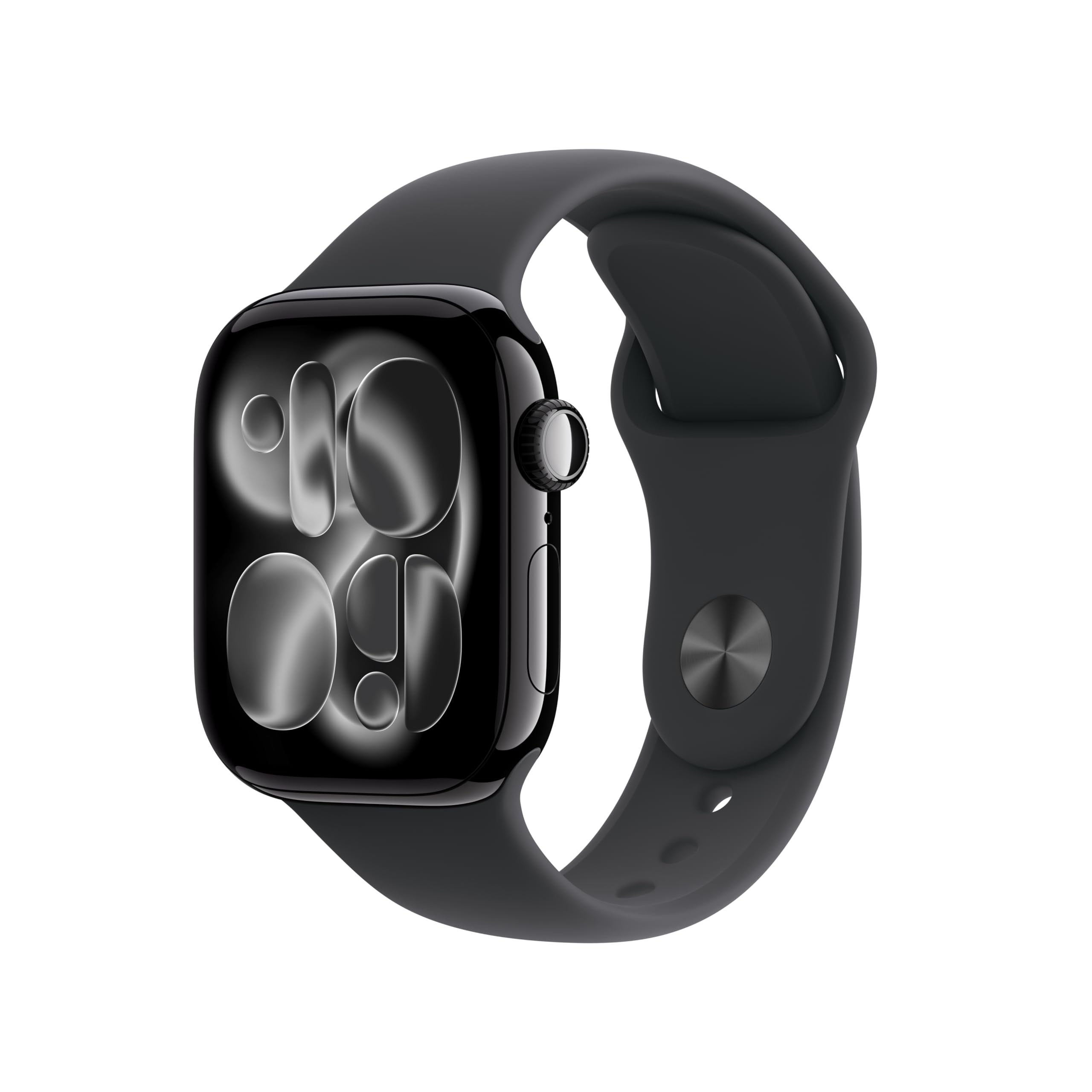
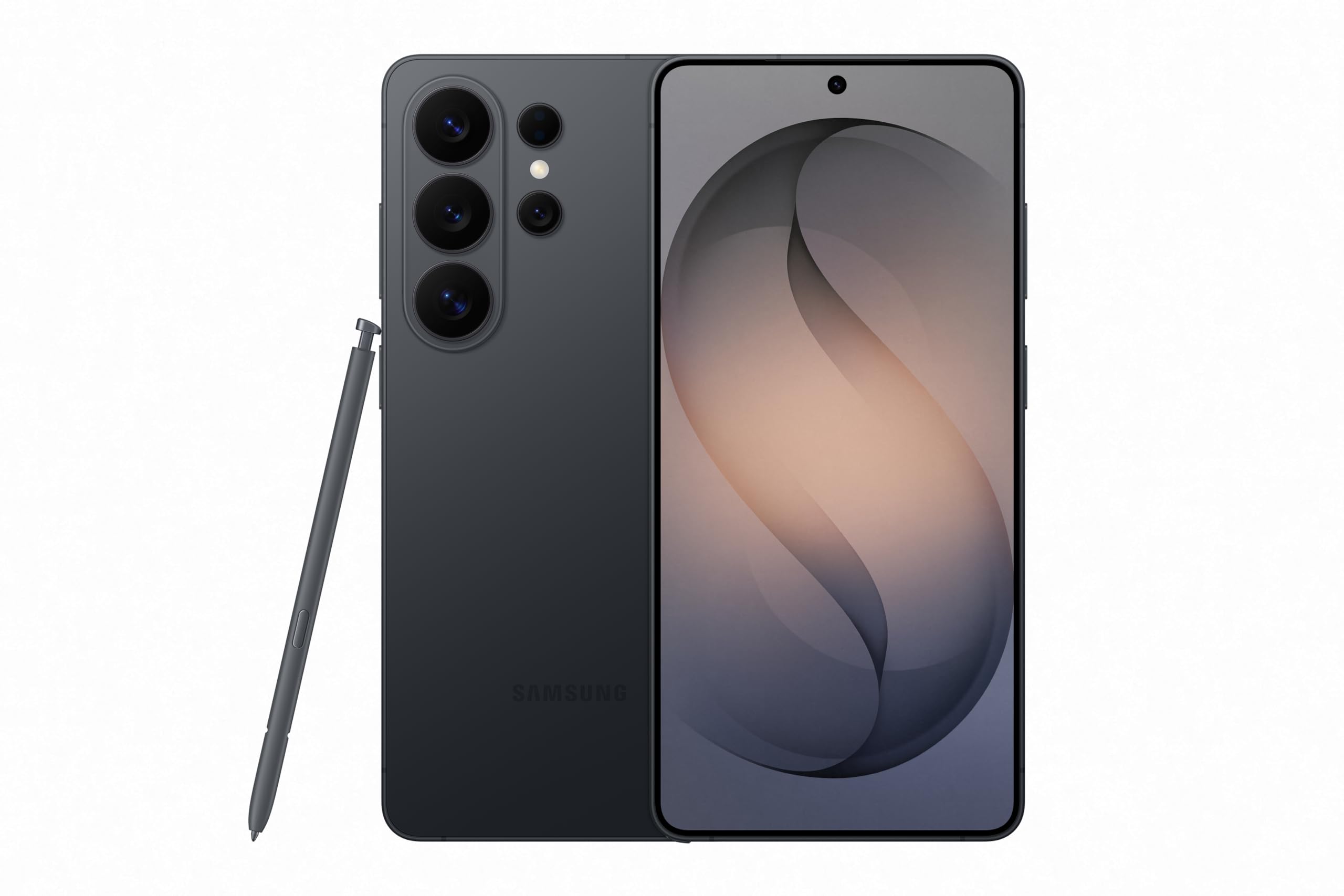
At first glance, comparing a smartwatch to a flagship smartphone might seem like comparing apples to oranges—and in a literal sense, it is. The Apple Watch Series 11 GPS and the Samsung Galaxy S26 Ultra serve fundamentally different purposes in your daily tech lineup. One sits on your wrist tracking movement and notifications; the other is the central hub of your digital life. So the real question isn't which device is "better" in the abstract. It's about which purchase fills a more pressing gap in your current setup.
Before diving into features or ecosystems, take a step back and ask what problem you're trying to solve. Are you feeling limited by an aging phone that struggles with your daily tasks? Or are you generally happy with your phone but curious about what a wearable can add to your routine? The answer to that single question often clarifies the decision more than any spec sheet ever could. People frequently buy a smartwatch expecting it to transform their relationship with technology, only to realize they barely use it after the novelty fades. Others hold onto a sluggish phone for far too long, enduring daily friction that a straightforward upgrade would eliminate.
Evaluating Your Current Ecosystem
Ecosystem compatibility is one of the most overlooked factors in these decisions, and it can make or break your experience. The Apple Watch Series 11 GPS is designed to work within Apple's ecosystem, meaning it pairs with an iPhone and integrates with Apple's services, health platform, and app store. If you're already invested in that ecosystem—with an iPhone, perhaps AirPods, iCloud storage, and Apple subscriptions—a smartwatch like this slots in naturally and extends what you already use.
The Samsung Galaxy S26 Ultra, on the other hand, is a standalone flagship phone that runs on Android. It doesn't require other Samsung devices to function, but it does benefit from pairing with Samsung's wearables, tablets, and ecosystem services if you have them. If you're currently using an Android phone and are due for an upgrade, moving to a flagship like this is a natural progression. The critical mistake to avoid here is buying a device that doesn't play well with what you already own. A smartwatch that can't pair with your phone, or a phone that forces you to abandon years of app purchases and subscriptions, creates friction that no feature list can offset.
Before purchasing either product, verify compatibility with your current devices and services. Check with the retailer or manufacturer's website to confirm that the specific model you're considering works with your existing phone or carrier, and that any ecosystem features you care about are supported in your region.
Use-Case Fit: When a Smartwatch Makes Sense
A smartwatch shines when you want glanceable information, passive health tracking, and quick interactions without pulling out your phone. If you exercise regularly and want continuous heart-rate data, if you receive frequent notifications and want to triage them from your wrist, or if you simply enjoy the convenience of hands-free reminders and timers, a wearable adds genuine value. The Apple Watch Series 11 GPS fits this profile well, particularly for someone already in the Apple ecosystem who wants a device that feels like a natural extension of their iPhone.
That said, smartwatches have limitations that aren't always obvious in marketing materials. They're companion devices, not replacements for your phone. If your phone is old, slow, or struggling with battery degradation, a smartwatch won't fix that—it'll just give you a second screen to watch your phone struggle. Be honest about whether you're buying a watch because it solves a real need or because it seems like an exciting accessory. Many people find that after a few weeks, their smartwatch becomes primarily a notification filter and step counter, which is perfectly fine, but it's worth setting realistic expectations before spending money.
Use-Case Fit: When a Flagship Phone Upgrade Makes Sense
A flagship phone like the Samsung Galaxy S26 Ultra is a workhorse device that touches nearly every part of your day. If your current phone is several generations old, has visible performance issues, or no longer receives software updates, upgrading is often the more impactful choice. A new phone improves photography, app performance, connectivity, and overall reliability—things you interact with constantly, not just occasionally.
The practical case for prioritizing a phone upgrade is straightforward: it's the device you already use the most, and improvements there compound across every other activity. Better photos mean better memories. Faster app launches mean less daily frustration. A more reliable connection means fewer dropped calls and smoother video streams. If you're choosing between a nice-to-have wearable and a need-to-have phone replacement, the phone almost always wins on practicality. The mistake to avoid here is upgrading a phone that still works perfectly fine just because a new model launched. If your current phone handles your daily tasks without complaint, redirecting that budget toward a wearable or simply saving it may be the wiser move.
Common Mistakes Shoppers Make
One of the most common mistakes is buying based on hype rather than need. Both the Apple Watch Series 11 GPS and the Samsung Galaxy S26 Ultra generate significant attention around their respective launches, and that excitement can cloud judgment. Ask yourself whether you can articulate, in one sentence, what specific problem the device will solve for you. If you can't, wait. The product will still be available when you've thought it through.
Another frequent error is underestimating the learning curve and adjustment period. A smartwatch changes how you interact with notifications and requires tuning to avoid becoming a constant distraction on your wrist. A new flagship phone, especially one that switches ecosystems or introduces a significantly different interface, requires time to set up, transfer data, and relearn habits. Factor in that adjustment time rather than expecting seamless continuity from day one. Finally, many shoppers forget to check whether their current accessories—chargers, cases, bands, screen protectors—carry over to the new device. These small add-on costs can add up, and incompatibility can be an unwelcome surprise.
Questions to Ask Before You Buy
Start with the basics: What device am I currently most frustrated with? If your phone is the pain point, prioritize the phone. If your phone is fine but you want health tracking or notification management, consider the watch. Next, ask whether the device you're considering is compatible with what you already own. A smartwatch that doesn't pair with your phone is a nonstarter. A phone that doesn't support your carrier's network bands or your preferred apps is equally problematic.
Then ask about longevity. How long do you expect to use this device? Flagship phones typically receive software updates for several years, but it's worth confirming the specific update commitment for the model you're considering. Smartwatches have shorter support windows in many cases, so understand what you're signing up for. Finally, ask whether you're buying for yourself or because someone else recommended it. Personal tech decisions are just that—personal. What works for a friend, a reviewer, or a family member may not align with your habits and preferences. Verify current specifications, compatibility, and support policies with the retailer or manufacturer before committing to any purchase, as details can change between product generations.
Frequently asked questions
Can a smartwatch replace my phone entirely?
No. Smartwatches like the Apple Watch Series 11 GPS are companion devices designed to work alongside a phone, not replace it. They handle notifications, health tracking, and quick interactions, but core tasks like browsing, photography, and extended messaging still require a phone. If your phone needs replacing, prioritize that purchase first.
Should I switch ecosystems when upgrading my phone?
Switching between Apple and Android involves transferring data, repurchasing apps, and adjusting to a different interface. It's doable, but it takes time and effort. If you're happy with your current ecosystem, staying within it usually means a smoother transition. Only switch if there's a compelling reason that outweighs the friction.
Do I need a flagship phone, or would a mid-range model suffice?
It depends on your usage. If you rely heavily on your phone for photography, gaming, or demanding apps, a flagship like the Samsung Galaxy S26 Ultra may be worth it. If you mostly browse, message, and stream, a mid-range phone could meet your needs for less. Evaluate your actual daily usage rather than assumed future needs.
How do I know if a smartwatch will actually get used?
Think about your current habits. If you already check your phone frequently for notifications, health data, or timers, a smartwatch can streamline those interactions. If you rarely use your phone for those tasks, a watch may sit unused after the novelty wears off. Consider borrowing one or trying a returnable purchase to test real-world fit.
What should I verify with the retailer before purchasing either device?
Confirm compatibility with your existing phone or carrier, check the return policy, and ask about included accessories or warranties. For smartwatches, verify which phone models and operating system versions are supported. For phones, confirm network compatibility and any activation requirements before committing.